
Runpreneur Journey Blog
Embark on an extraordinary journey with the Runpreneur community. Discover inspiring stories, insider tips, and the transformative power of our global challenge. From first-time runners to seasoned athletes, our blog captures the essence of the Runpreneur movement, inspiring others to join the cause.

Whisper Flow: My Secret Weapon for Productive, Clear Asynchronous Communication
Whisper Flow: My Secret Weapon for Productive,
Clear Asynchronous Communication
If you’re anything like me, you’re always on the lookout for ways to boost productivity, remove friction from your workflow, and just get more stuff done in less time. Recently, I stumbled across an absolute game-changer of an app called Whisper Flow here’s how it’s transformed the way I handle communication, both in my business and personal life.
What is Whisper Flow?
Whisper Flow is an AI-powered dictation app available across iOS, macOS, iPadOS, and even Android. It's as simple as it sounds: you speak, it turns your words to text, but unlike native dictation it actually makes you sound competent and clear.
The key for me is productivity through small, consistent wins. Whisper Flow has slotted right into my routine, especially because my business now leans heavily into asynchronous communication. Gone are the long-winded voice notes back and forth, and all the faff of re-listening just to catch all the instructions!
How Does It Work?
On your iPhone, it works as an additional keyboard: download the app, add the keyboard, and you have a new mic button that transcribes your speech directly into any text box. On Mac, it’s a shortcut key that triggers the app for quick dictation wherever you need it. And yes, there’s an Android version if you’re not part of the Apple ecosystem.
Why Not Just Use Native Dictation?
Let’s be honest: native dictation is rough. It transcribes every ‘um’ and ‘er’, giving you a block of unedited, often embarrassing text. You can’t just send that to a colleague or client unless you don’t care about sounding sharp or coherent! Whisper Flow, in contrast, makes subtle grammatical tweaks, so the output reads naturally. You may need to do a quick scan before sending, but there’s a world of difference compared to unprocessed voice-to-text.
AI That Learns with You
A real bonus is how the app learns from your corrections. If Whisper Flow gets something wrong like spelling ‘Claire’ instead of ‘Clare’ you can teach it, and next time it gets it right. It genuinely gets better the more you use it.
Why This Matters for Asynchronous Communication
These days, I barely touch voice notes. I never liked sending them, especially in WhatsApp or Slack, because I always wondered if the recipient hated listening to them as much as I did. Now, I dictate my responses, do a light edit, and know my messages are 98% ready to go, clear and searchable for future reference.
Even for emails, which I used to outsource to ChatGPT (often losing my tone in the process), I can now dictate exactly what I want, sounding like myself, not a robotic AI. If I want to tidy it up further, I just paste it into a writing tool for minor tweaks job done.
Free Where You Need It
The best part? The mobile version is free, which is perfect because I do most of my responding on the go. The Mac version is a small paid subscription, but honestly, if my workflow ever shifts toward my desktop, I wouldn’t hesitate.
Final Thoughts
Whisper Flow has genuinely helped me stay on top of my messages, respond faster, and avoid that overwhelming backlog of unread communications. If you, too, are drowning in voice notes or just want to give your asynchronous comms a major boost, give Whisper Flow a try. As always, feel free to drop me any questions or comments.
And don’t forget if you’re keen on supporting my mission to save children's lives through my ultra marathon run vlogging project, subscribe, share, and help spread the word. The more we grow, the more lives we save.
Stay positive, stay happy.
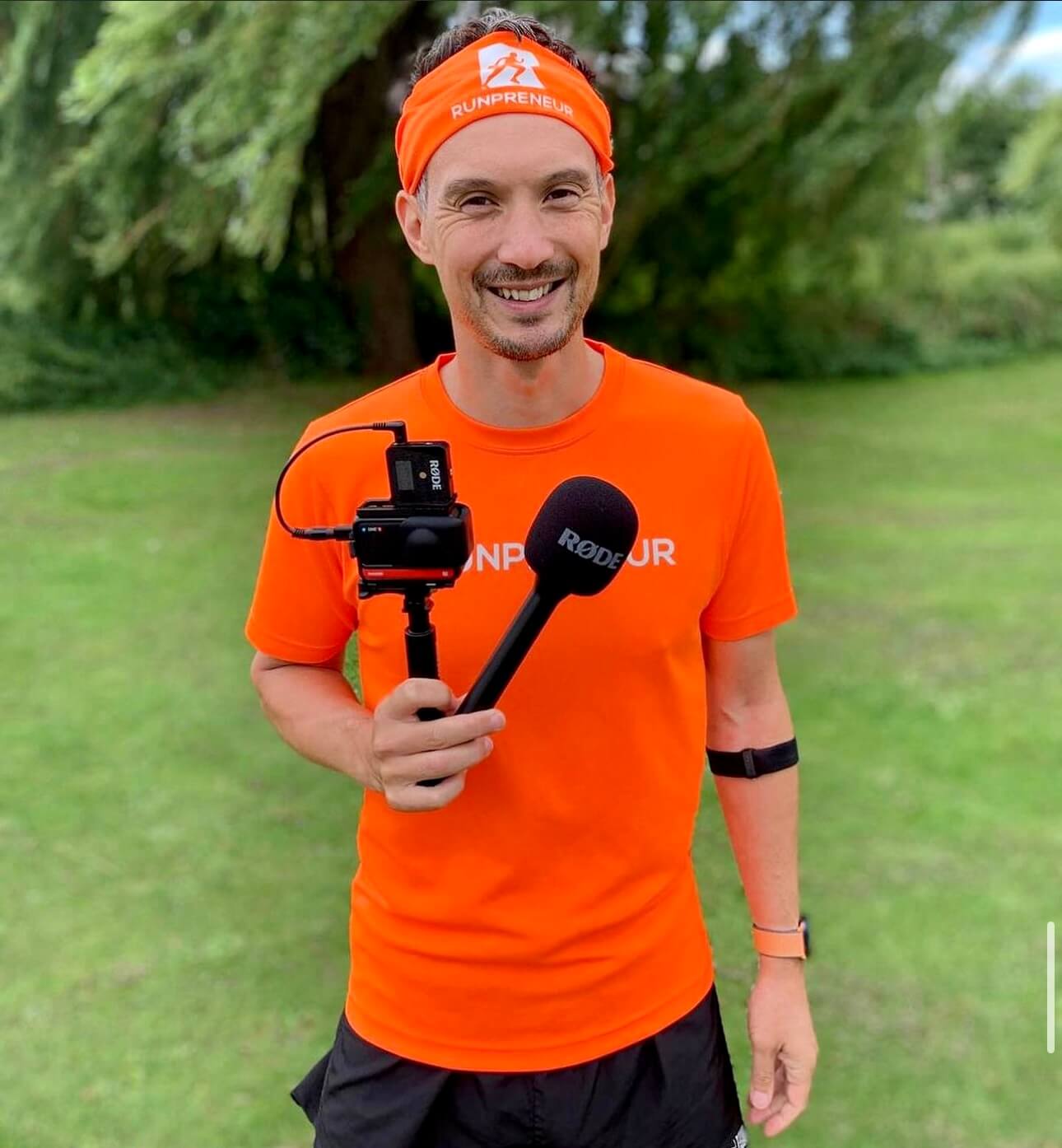
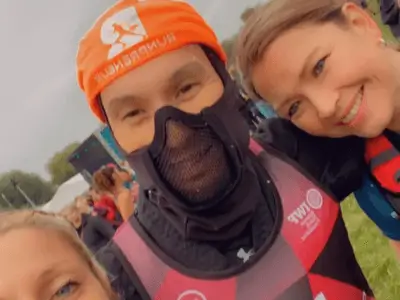
Kevin's 40,075km Challenge: Raising £1 Million for Children
Meet Kevin, a dedicated Runpreneur who embarked on an extraordinary journey to raise £1 million for children in need. Over the course of his 40,075km challenge, Kevin's unwavering determination and passion inspired thousands to join the Runpreneur movement.
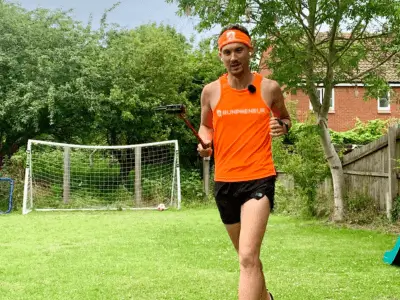
Runpreneur Vlogging: Capturing Kevin's Journey
Experience the Runpreneur challenge through the lens of Kevin's video diary. Witness his ups and downs, the camaraderie of the community, and the transformative power of running for a cause. Dive into the visual stories that capture the essence of the Runpreneur movement.

Empowering Children, One Step at a Time
As Kevin logged every kilometre of his 40,075km challenge, the true purpose behind his journey came into focus. Each step, each bead of sweat, fuelled essential healthcare, education, and nutrition programs for children in need around the world.

The Transformative 4x4x48 Challenge
Experience the thrill and personal growth of our iconic 48-hour running event. Witness the determination and resilience of Runpreneurs as they push their limits, one mile at a time.
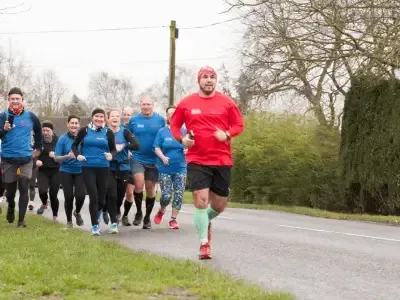
Runpreneur Vlogging: Capturing the Journey
Dive into the visual stories of our Runpreneurs as they document their experiences through engaging video logs. Witness the challenges, triumphs, and moments of camaraderie that define the Runpreneur spirit.
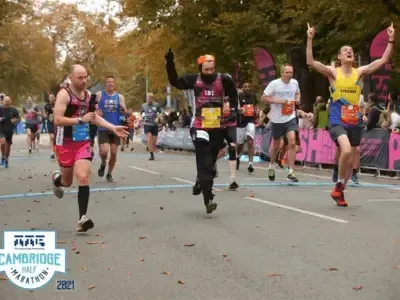
Becoming a Runpreneur: Join the Movement
Learn how you can become a Runpreneur and be part of this global community. Discover the steps to sign up, complete the challenge, and share your journey, all while making a lasting difference.
Connect With Us:











I am on a mission to raise £1,000,000 for children's causes by daily run-vlogging barefoot-style, covering the total distance of a lap around the world—40,075 km.