
Runpreneur Journey Blog
Embark on an extraordinary journey with the Runpreneur community. Discover inspiring stories, insider tips, and the transformative power of our global challenge. From first-time runners to seasoned athletes, our blog captures the essence of the Runpreneur movement, inspiring others to join the cause.
Custom GPTs vs Projects in ChatGPT: How I Use Both to Run My Business More Efficiently
Custom GPTs vs Projects in ChatGPT: How I Use Both to Run My Business More Efficiently
Day 2021. Over 20,000 kilometres logged. Nearly 20,000 still to go. Every single one of them run in barefoot-style footwear, every single one of them documented, every single one of them part of a mission to raise £1 million for children's causes including Great Ormond Street Hospital and BBC Children in Need. That mission does not stop. It does not pause. It does not negotiate with bad weather or tired legs or a packed diary. And if there is one thing that has helped me keep this operation moving forward without burning out or dropping the ball on the business side of things, it is understanding how to use the tools available to me properly. Today I want to talk about one of those tools. Specifically, the difference between custom GPTs and projects within ChatGPT, and how I use both of them in my business and life.
I want to be honest with you. My relationship with AI has not been a smooth one. For a long time, it felt more like a frustration than an asset. I would ask it something, it would give me a plausible-sounding response that missed the point entirely, and I would walk away thinking the whole thing was overhyped. What I have come to understand, particularly over the last three months, is that the problem was not the AI. The problem was how I was using it. I was treating it like a search engine when it is something far more capable than that.
So let me break down what I have actually learnt, starting with the distinction that made the biggest difference to me.
Projects and custom GPTs are two different things. They are often confused, and that confusion leads people to either underuse them or use them in the wrong context entirely.
A project, inside ChatGPT, is best thought of as a workspace. It is a place where you can store large amounts of information, upload documents, build context over time, and share that workspace internally with members of your team. If you have standard operating procedures, brand guidelines, team protocols, or any significant body of knowledge that your business runs on, a project is where that lives. The AI inside that project learns from everything you feed it and gives responses that are grounded in your specific context. I have my SOPs uploaded into a project and shared with team members by email. When someone needs to know how to do something, they ask the project. It finds the relevant procedure and gives them the instructions in the format we need. That alone has reduced the number of questions that land on my desk each week.
A custom GPT is different. Think of it as a tool rather than a workspace. It is built for a specific, repeatable task. You set it up once, you give it clear instructions and relevant context, and then you use it over and over again to produce consistent outputs. I use one for creating standard operating procedures in a consistent format. Rather than writing them from scratch or spending time reformatting each one, the custom GPT does it for me. Every time. In the same structure. To the same standard.
The other practical difference worth knowing is that custom GPTs can be shared externally via a link. If you want a client or a partner to use a tool you have built, you can give them access without exposing your entire account. Projects, on the other hand, are better kept internal. Sharing a project externally would involve giving someone significant access to your OpenAI account, and that is not something I would recommend.
Now, before either of these things becomes truly useful, there is a foundational step that most people skip. A master prompt. This is a document, ideally saved as a PDF, that gives your AI a deep understanding of who you are, what you do, why you do it, how you communicate, and what you are trying to achieve. I built mine by asking ChatGPT to help me create it. It asked me a series of questions over the course of about 45 minutes to an hour, and I answered as fully and honestly as I could. The resulting document was something I then refined and saved. That PDF now gets uploaded into every project I create and every custom GPT I build. The difference in output quality before and after doing that was significant. It is the difference between the AI guessing at what you need and the AI actually understanding your context.
One more thing I would add, and this is something that genuinely changed the way I use these tools. When you are trying to build a great prompt for a custom GPT, do not try to write it from scratch on your own. Instead, have a conversation inside a project that already has your master prompt, work through multiple iterations until the AI gives you exactly the output you want, and then ask it to write the prompt that would have produced that output on the first attempt. You are effectively getting the AI to do the prompt engineering for you. That is where the real efficiency lives.
I am not sharing this because I think I have mastered it. I am sharing it because I am learning this in real time, and I think the people who are going to make the most of AI are the ones who understand what they are actually working with rather than just scratching the surface.
At day 2021, with 20,210 kilometres logged and 19,865 still to run, I need every advantage I can find. The mission is too important and too long to rely on effort alone. Systems matter. Consistency matters. Knowing your tools and using them properly matters.
Every kilometre I run, every episode I publish, every person who watches or shares or donates moves us closer to £1 million for children who need it. That is why this does not stop. Not on easy days. Not on hard ones either.
If any of this is useful to you, I would encourage you to start with the master prompt. Give it the time it deserves. Then come back to the question of whether you need a workspace or a tool. The answer will usually be obvious once you have that foundation in place.
As always, I will be back tomorrow. One day at a time. One kilometre at a time.
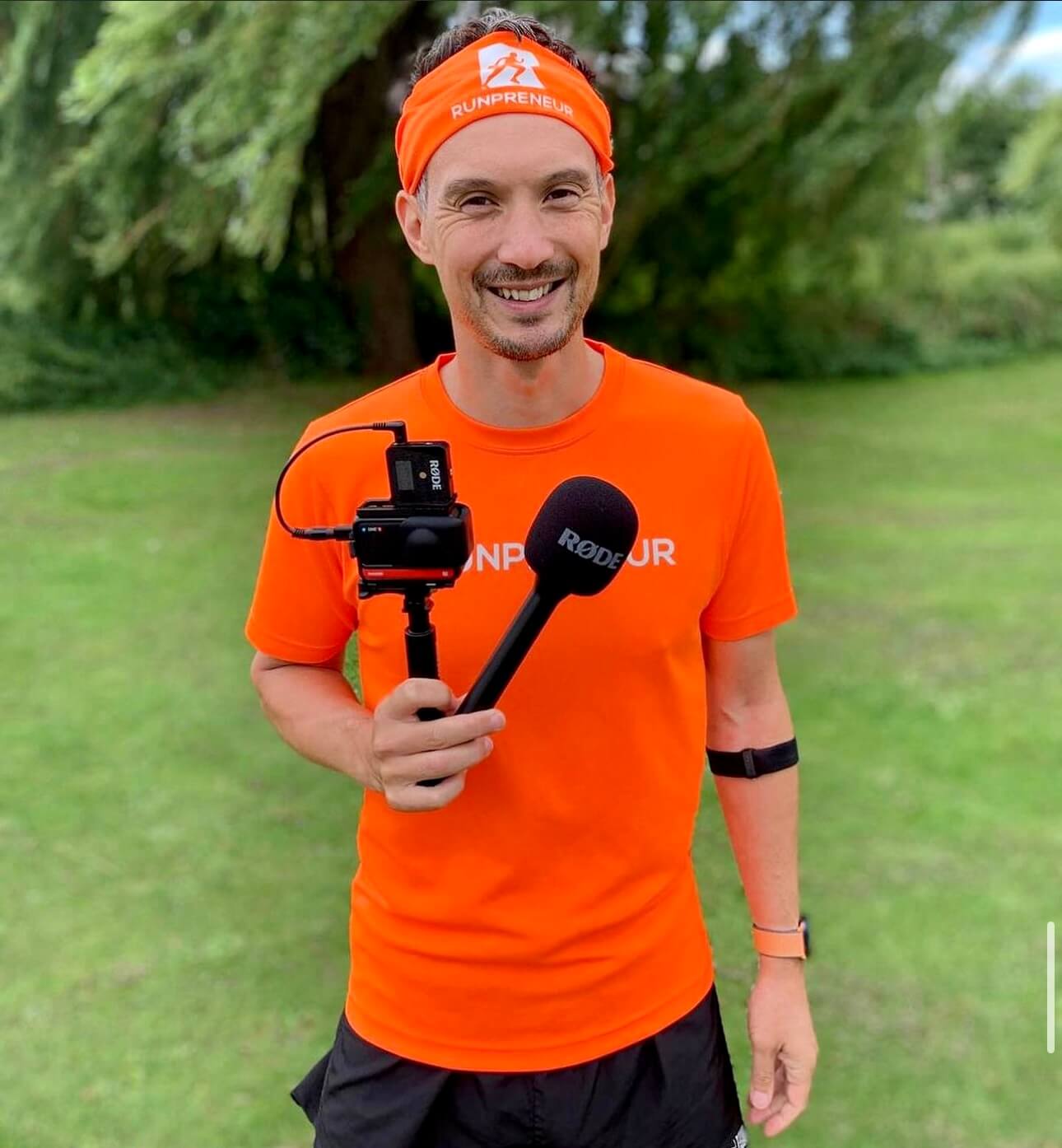
Kevin's 40,075km Challenge: Raising £1 Million for Children
Meet Kevin, a dedicated Runpreneur who embarked on an extraordinary journey to raise £1 million for children in need. Over the course of his 40,075km challenge, Kevin's unwavering determination and passion inspired thousands to join the Runpreneur movement.
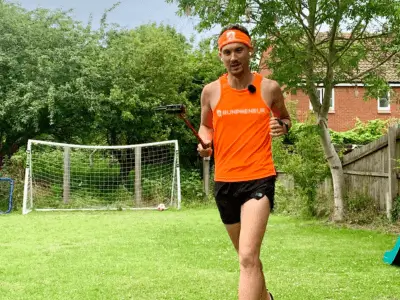
Runpreneur Vlogging: Capturing Kevin's Journey
Experience the Runpreneur challenge through the lens of Kevin's video diary. Witness his ups and downs, the camaraderie of the community, and the transformative power of running for a cause. Dive into the visual stories that capture the essence of the Runpreneur movement.

Empowering Children, One Step at a Time
As Kevin logged every kilometre of his 40,075km challenge, the true purpose behind his journey came into focus. Each step, each bead of sweat, fuelled essential healthcare, education, and nutrition programs for children in need around the world.
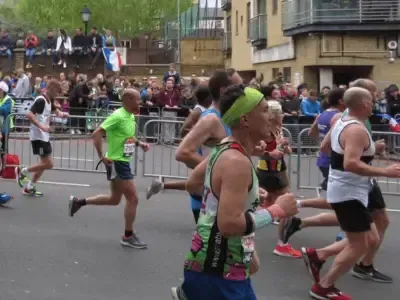
The Transformative 4x4x48 Challenge
Experience the thrill and personal growth of our iconic 48-hour running event. Witness the determination and resilience of Runpreneurs as they push their limits, one mile at a time.
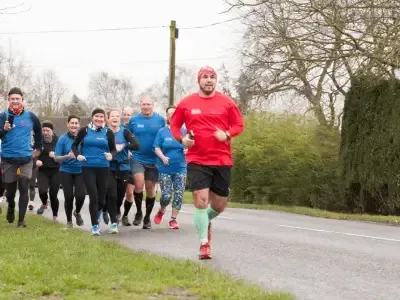
Runpreneur Vlogging: Capturing the Journey
Dive into the visual stories of our Runpreneurs as they document their experiences through engaging video logs. Witness the challenges, triumphs, and moments of camaraderie that define the Runpreneur spirit.
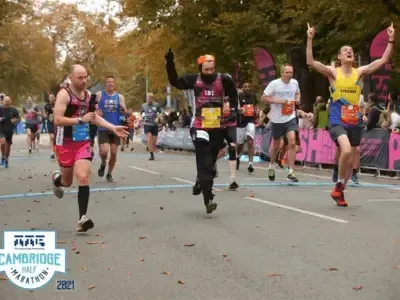
Becoming a Runpreneur: Join the Movement
Learn how you can become a Runpreneur and be part of this global community. Discover the steps to sign up, complete the challenge, and share your journey, all while making a lasting difference.
Connect With Us:



















I am on a mission to raise £1,000,000 for children's causes by daily run-vlogging barefoot-style, covering the total distance of a lap around the world—40,075 km.